How to Burn Raydium LP Tokens on Solmint (Proof of Lock)
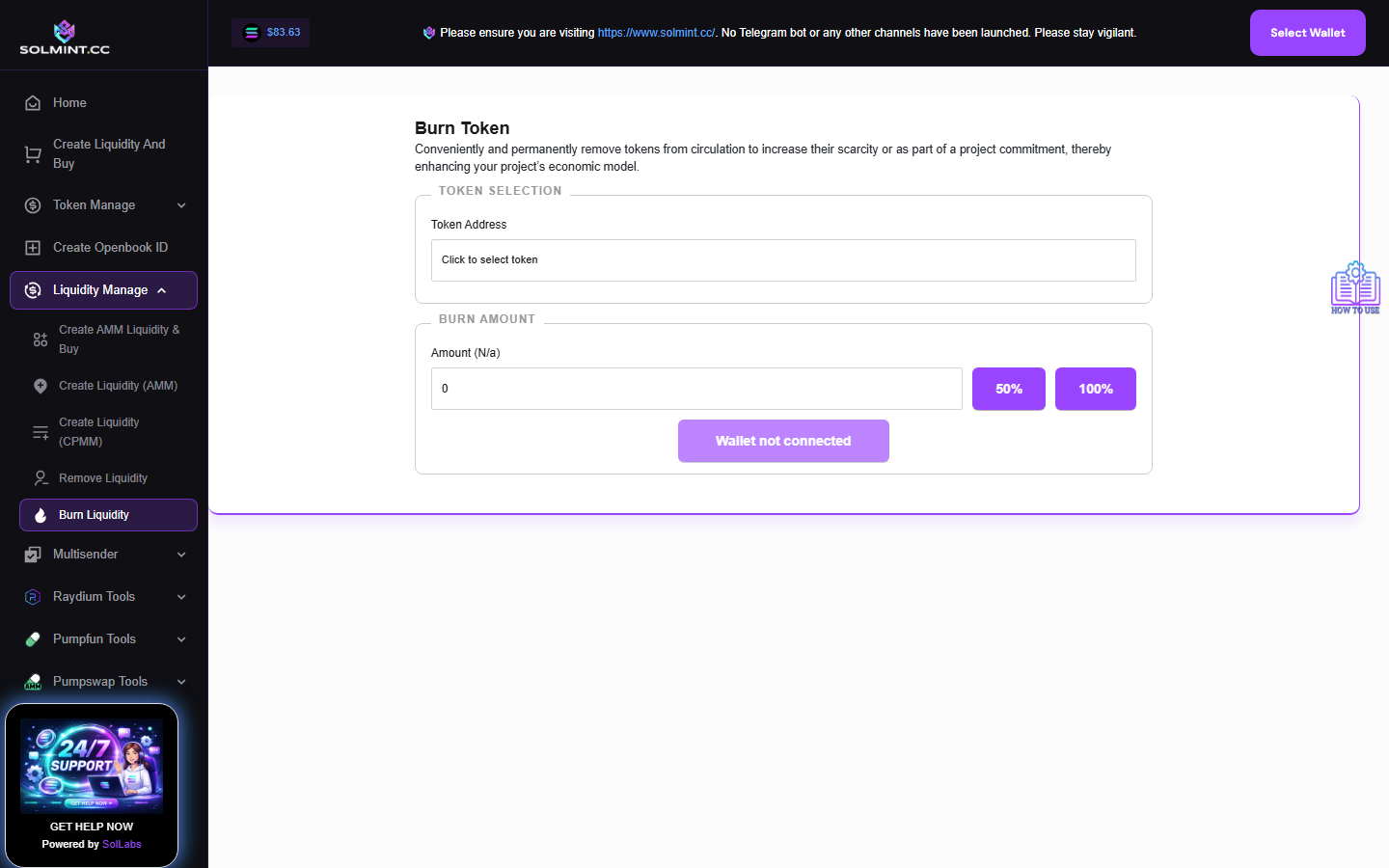
Permanently burn your Raydium LP tokens to prove to the community that liquidity is locked forever (rug-proof commitment). Uses the same interface as the standard Token Burn tool — select the LP token from your wallet and burn it.
How to Use
Step 1: Connect your Solana wallet.
Step 2: Under TOKEN SELECTION, click the dropdown. Your wallet tokens are auto-loaded (including LP tokens). Identify and select the Raydium LP token — it typically appears as an unrecognized token with a long mint address matching your pool's LP mint.
Step 3: Under BURN AMOUNT, enter the amount of LP tokens to burn. Use "50%" or "100%" shortcut buttons.
Step 4: Click the "Burn Token" button.
Step 5: A confirmation dialog appears. Click "Confirm Burn" to proceed.
Step 6: Approve the transaction in your wallet.
Step 7: Wait for the transaction to confirm.
⚠️ Notes
- Burning LP tokens is IRREVERSIBLE — the liquidity represented by those tokens can never be removed from the pool.
- Service fee: ~0.001 SOL (Jito tip + network fee).
- If you want to REMOVE liquidity first, use /remove-raydium-lp first, then burn the received LP tokens here.
- Burning 100% of LP tokens is a common “proof of lock” action for token projects.