How to Clean Wallets and Reclaim SOL on Solmint
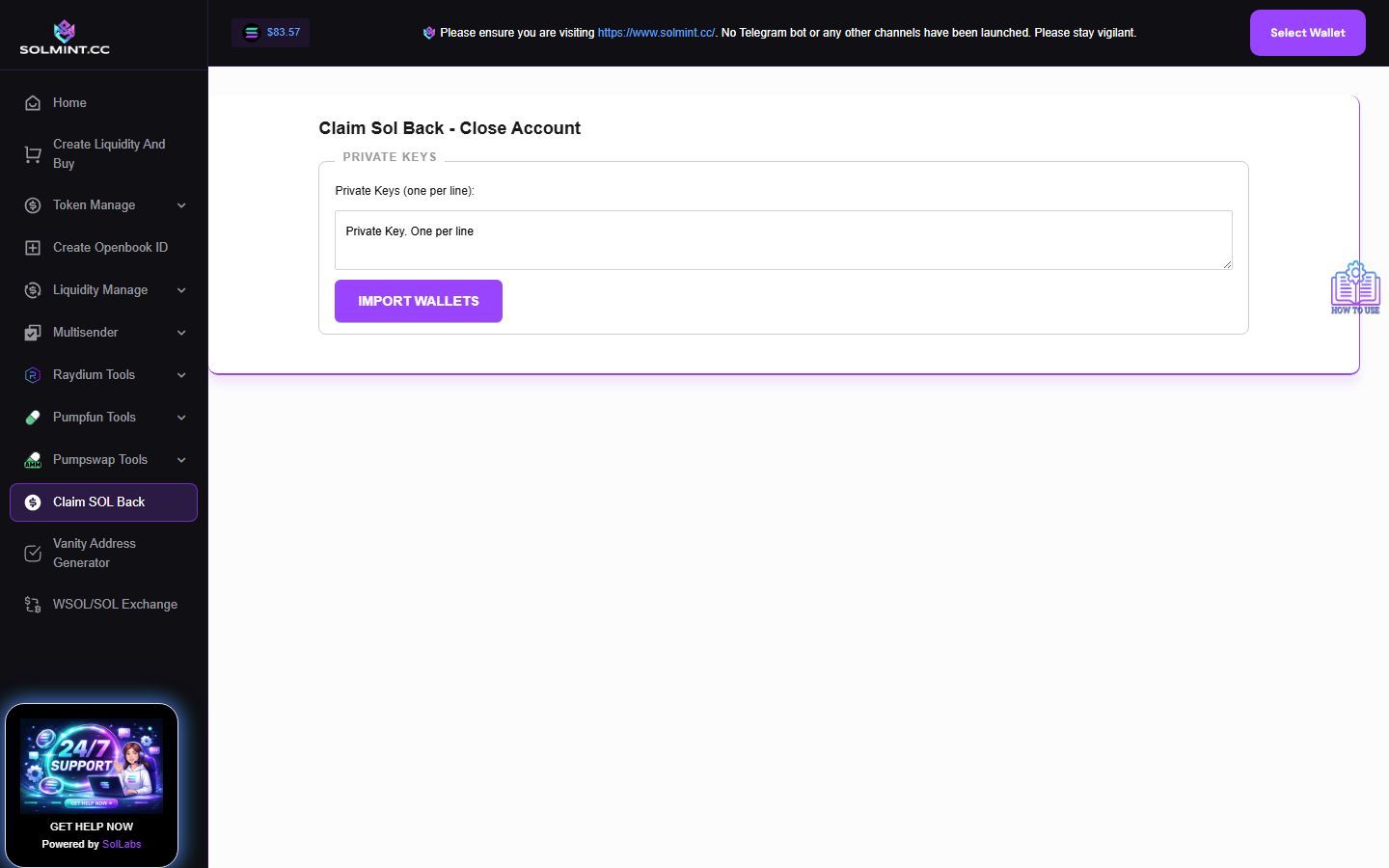
Clean up multiple wallets at once by burning zero-value (dust) token balances and closing empty token accounts to reclaim the ~0.002 SOL rent locked in each account. Import wallets by private key, then selectively burn tokens or close empty accounts to recover SOL.
How to Use
Step 1: In the PRIVATE KEYS textarea, paste the private keys (base58) of the wallets you want to clean, one per line. Click "IMPORT WALLETS". The tool scans each wallet for SPL token accounts. A table appears showing each wallet with its public key, SOL balance, and list of token accounts with mint and balance info.
Step 2: Review the two tabs:
- "BURN TOKENS" tab: Shows wallets that have tokens with a non-zero balance. Select individual wallets (checkbox) or all at once.
- "CLOSE ACCOUNTS" tab: Shows wallets that have empty token accounts (zero balance). Select individual wallets or all at once.
Step 3: To burn dust tokens: Switch to the "BURN TOKENS" tab → Select the wallets → Click "BURN TOKEN" button → Confirm the action. Tokens in selected wallets are permanently burned.
Step 4: To close empty token accounts and reclaim SOL: Switch to the "CLOSE ACCOUNTS" tab → Select the wallets → Click "CLAIM SOL" button. The empty token accounts are closed and ~0.002 SOL per account is returned to each wallet.
Step 5: Repeat as needed — after burning tokens, those accounts become empty and can then be closed in the CLOSE ACCOUNTS tab.
⚠️ Notes
- Service fee: 0.0004 SOL per wallet (platform fee).
- Each closed ATA (Associated Token Account) returns approximately 0.002039 SOL to the wallet.
- Excluded tokens (not shown, not cleanable here): SOL (native), USDT, USDC.
- Private keys are used locally — never sent to any server.
- Recommended workflow: BURN worthless tokens first, then CLOSE their empty accounts.
- Very useful after airdrop or volume-making campaigns that leave many dust token accounts.